
How it works
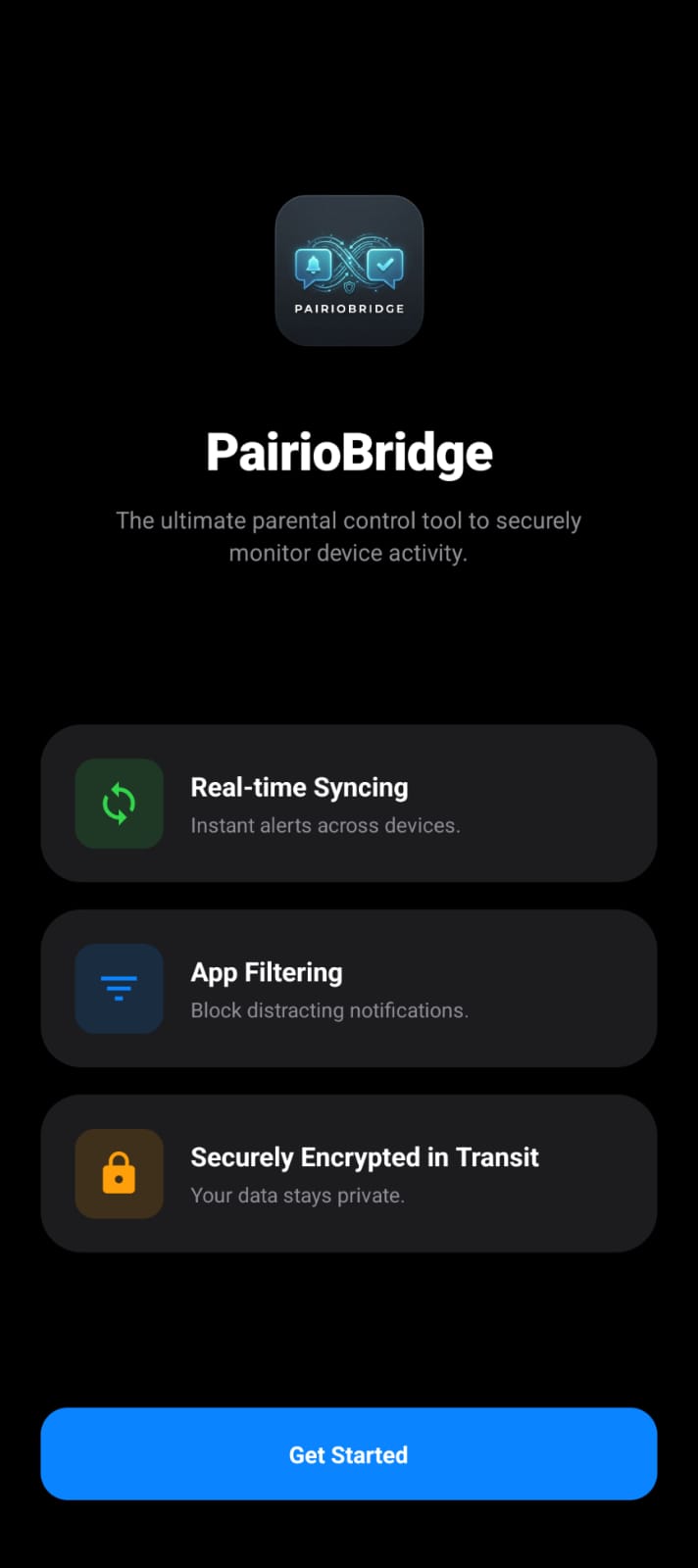
Pair two phones in under a minute. Mirror only the apps you want.
Step 1
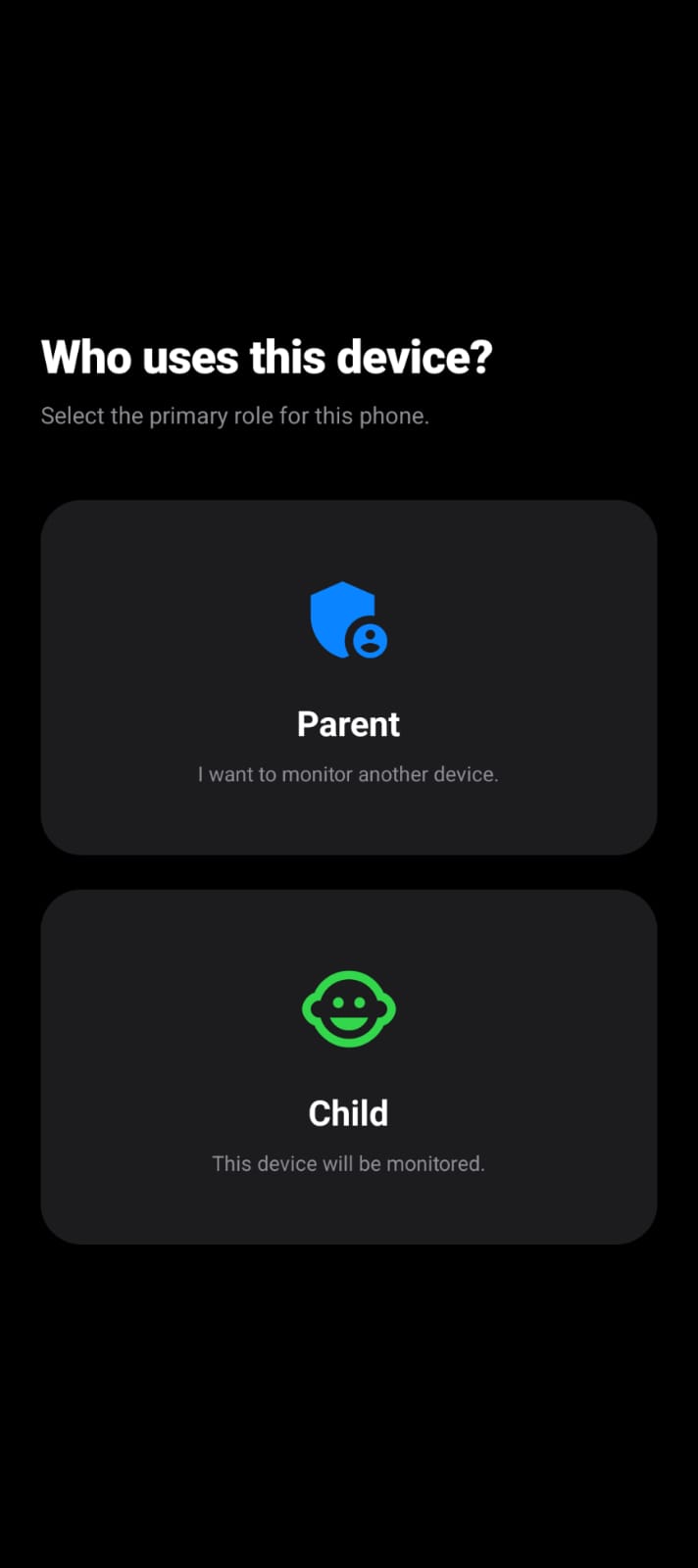
Choose Your Role
Download Pairio on both devices and select whether the device is the Parent (Receiver) or Child (Sender).
- Easy device assignment
- Works on any Android phone
Step 2
Grant Permissions
Allow the necessary permissions like Notification Access and Battery Optimization to ensure background sync runs flawlessly.
- Safe & Transparent
- Reliable Background Sync
Step 3
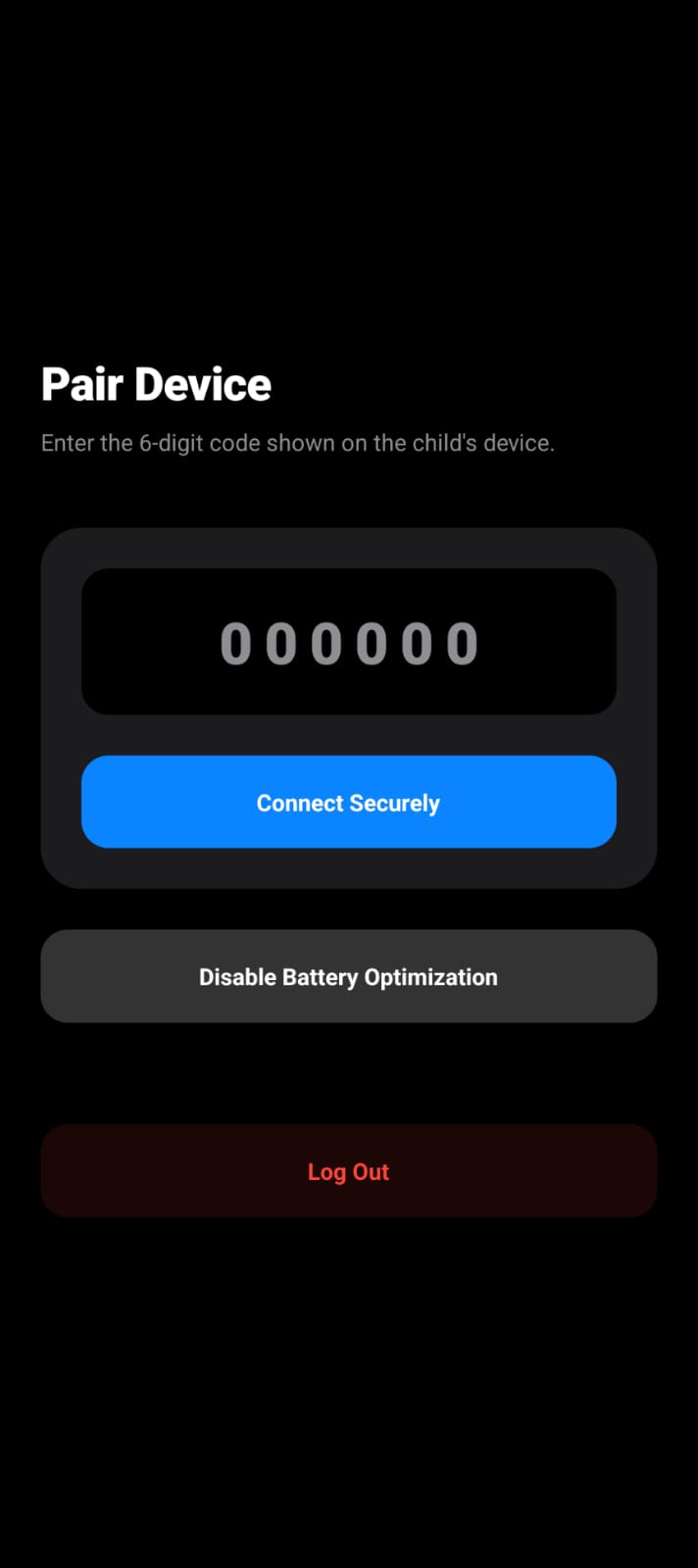
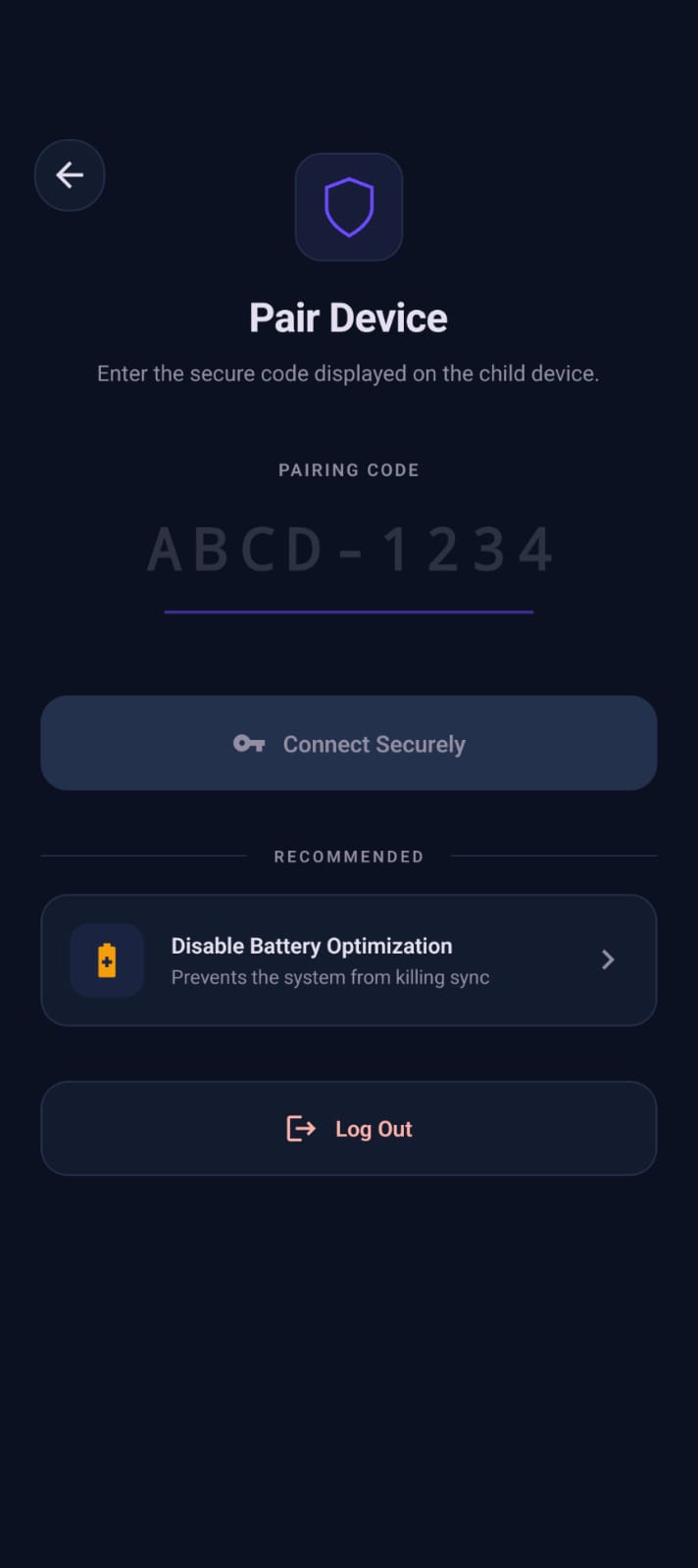
Pair Devices
Instantly link the devices using a secure, short 6-digit code.
- No accounts needed
- End-to-End Encrypted
Step 4
Filter Apps
Select exactly which apps' notifications you want to mirror to avoid unnecessary clutter.
- Granular control
- Change settings anytime
Step 5
Connection Established
The connection is active. The Child app runs quietly in the background without draining your battery.
- Hidden Background Service
- Disconnect anytime
Step 6
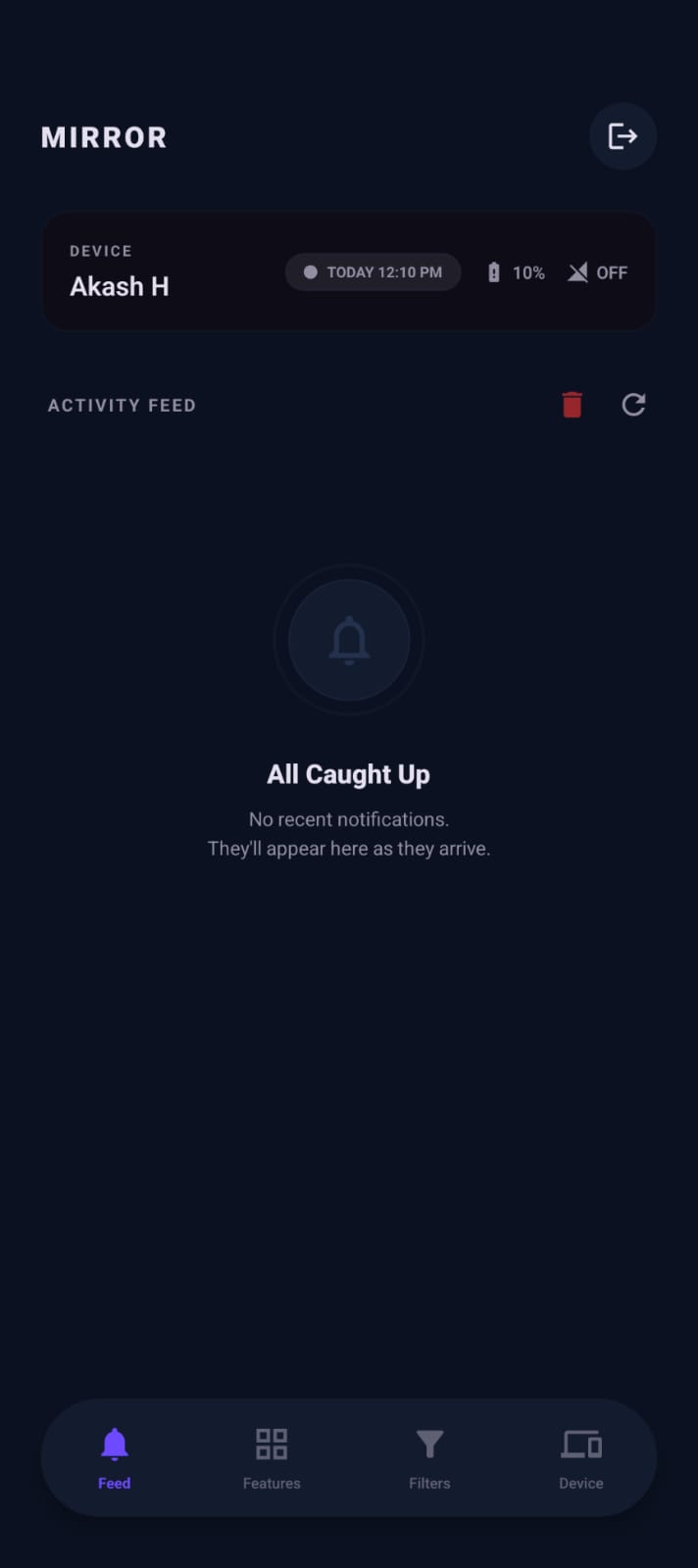
Read Notifications
Notifications instantly mirror to the Parent device dashboard in real-time.